AI 3D assets for Godot
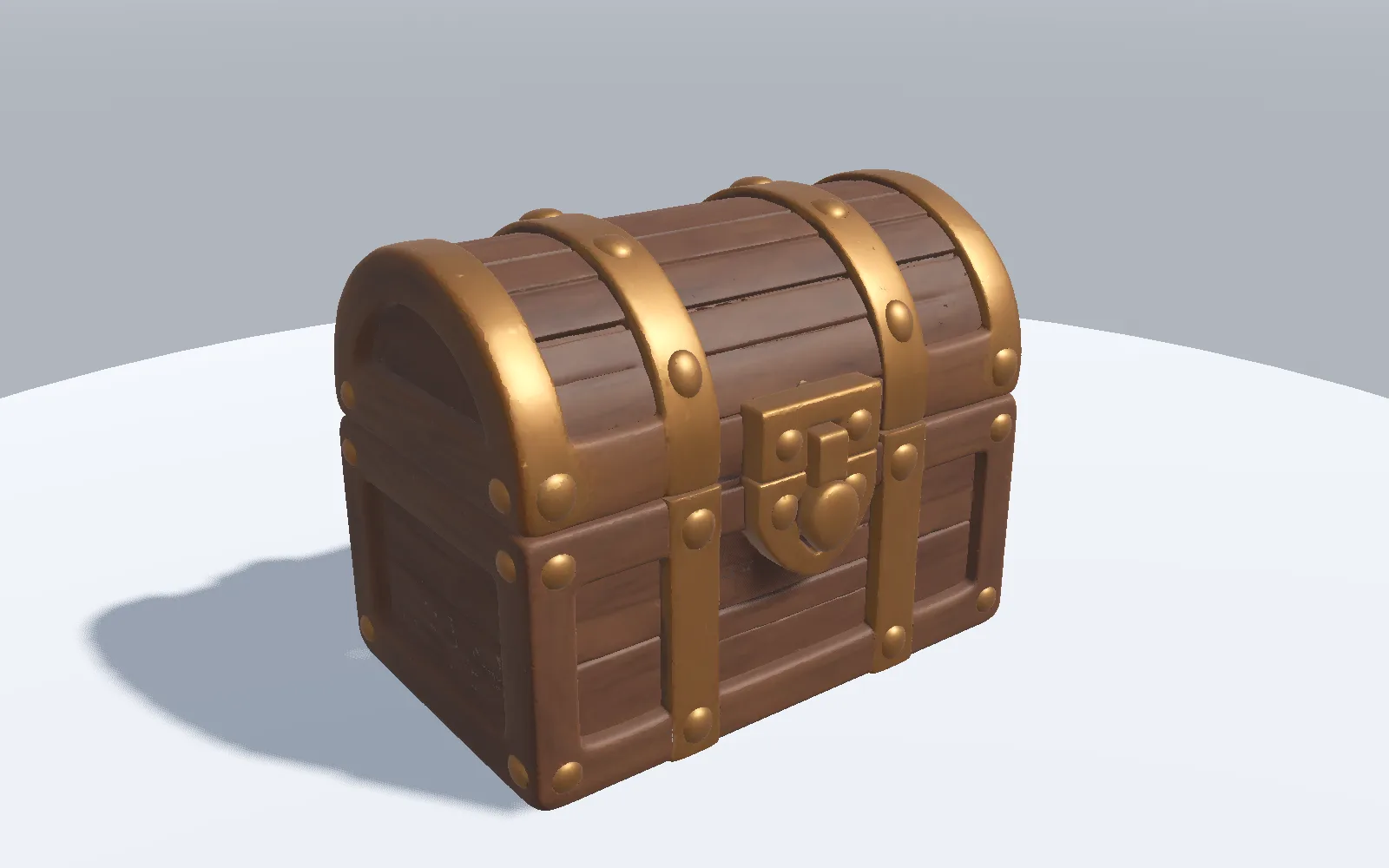
The Godot preset delivers a GLB that imports as a scene, with the scale, axes and pivot already set for Godot.
Import steps
- In a terminal at the root of your Godot project, the folder that holds
project.godot, download the asset prepared for Godot at its real size in metres.nexora download <asset-id> --preset godot --size 0.7 - The files are written to
assets/nexora, inside your project. - Go back to the Godot editor. It imports the GLB when the window regains focus.
- Drag the imported scene from the FileSystem dock into your 3D scene. The size is already the real one.
- To change the model, open the imported scene as a new inherited scene. The original file stays as it is.
What it does not do yet
- The Godot package contains GLB files only.
- It does not open Godot or place the asset in a scene: the file lands in your project and you add it.
- Animation clips arrive as separate GLB files that you connect to your own animation setup.